
How to Download Walmart Marketplace Product Images from a Spreadsheet
Pull every product image from your Walmart marketplace catalog into a local folder — renamed by SKU, validated, and ready to re-upload or back up.
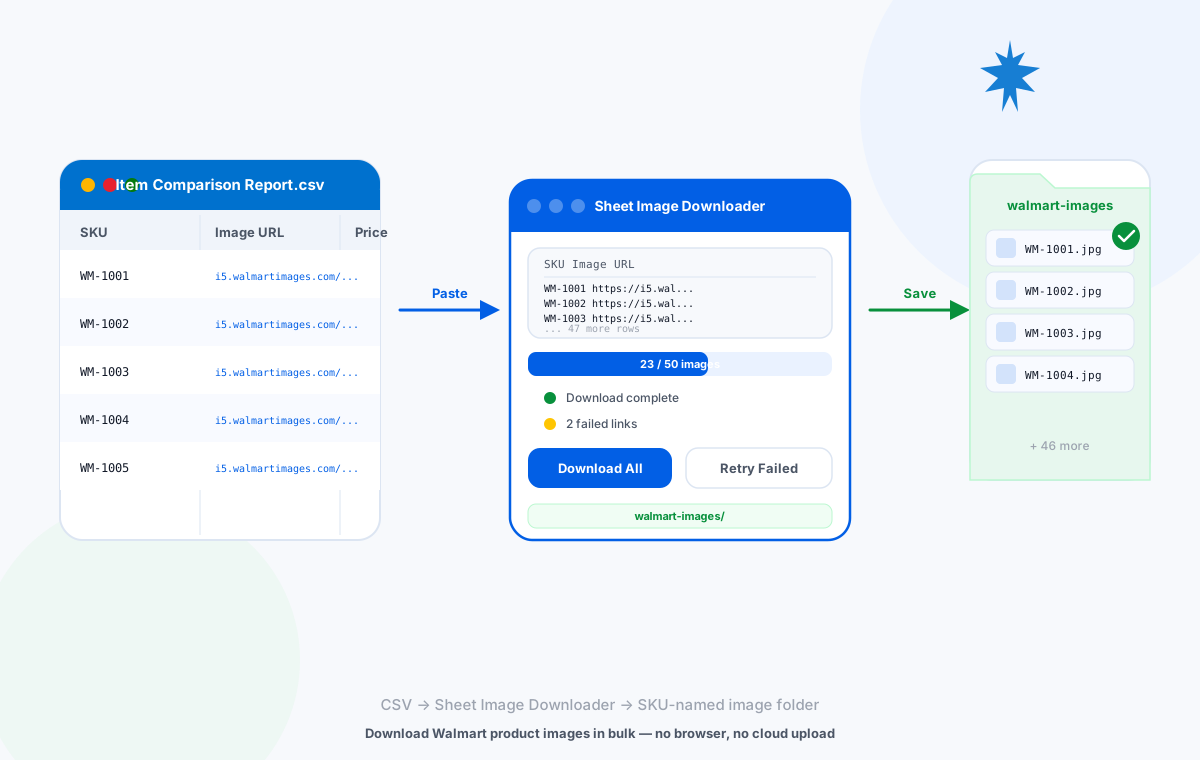
Spreadsheet → batch download → SKU-named image folder
Where Walmart Image URLs Come From
Walmart marketplace sellers manage product images in two main places: the Content API and the Item Comparison report in Seller Center. Both give you URL-level access to product images, but the format and extraction path differs slightly.
GET /items/{itemId} endpoint — to retrieve the images array for each product. Each image object contains a src field with the direct CDN URL. You need your Client ID and Client Secret from Seller Center → Tools → API.
i5.walmartimages.com are public CDN URLs that work without authentication. Some URLs using internal item IDs or session tokens may return 403 — Sheet Image Downloader will flag these as failures for manual review.
Prepare Your CSV Spreadsheet
Once you have your image URLs, arrange them in a two-column CSV:
| Column A — SKU (filename) | Column B — Image URL |
|---|---|
| WM-1001-001 | https://i5.walmartimages.com/asr/abc123.jpeg |
| WM-1001-002 | https://i5.walmartimages.com/asr/def456.jpeg |
| WM-1002-001 | https://i5.walmartimages.com/asr/ghi789.jpeg |
If a product has multiple images (main + gallery), use a suffix to keep each filename unique:
| Column A — SKU | Column B — Image URL |
|---|---|
| WM-1001-001-main | https://i5.walmartimages.com/asr/abc123.jpeg |
| WM-1001-001-alt1 | https://i5.walmartimages.com/asr/def456.jpeg |
| WM-1001-001-alt2 | https://i5.walmartimages.com/asr/ghi789.jpeg |
Validate URLs Before Downloading
Paste your CSV into Sheet Image Downloader and run a quick first pass. After the batch completes, the Failed Links Report lists every URL that returned an error. Common failure reasons for Walmart images:
- 403 Forbidden — The URL requires Walmart authentication or has been revoked from the CDN
- 404 Not Found — The product image was removed from the source listing
- Timeout — The Walmart CDN was slow to respond; retrying usually resolves this
Download the Full Batch
Open Sheet Image Downloader
Launch the app and click Paste from CSV (or paste directly from your spreadsheet).
Confirm column order
SKU in column A, image URL in column B. Swap if needed using the column-order control.
Set output folder
Choose a clean destination — a new folder named walmart-images-YYYY-MM-DD keeps each batch separate.
Run the batch
Click Download All. All images download locally, renamed by SKU. No cloud upload, no browser needed.
Retry Failed URLs
After the first pass, open the Failed Links Report. Copy those URLs, find the correct replacement URLs (check the original Walmart listing), paste them back into a new CSV, and run a second pass.
Check the original listing
Open the Walmart product page and locate the current image URL. Paste it into your retry CSV in place of the failed URL.
Use Content API for replacements
Query the Content API for the specific item ID to get the current set of active image URLs — more reliable than scraping listing pages.
Remove discontinued products
If a 404 persists, the product may have been delisted. Remove the row from your catalog CSV to keep it clean.
Organize and Rename Files
Sheet Image Downloader names each file using the SKU from column A. Once downloaded, your output folder contains:
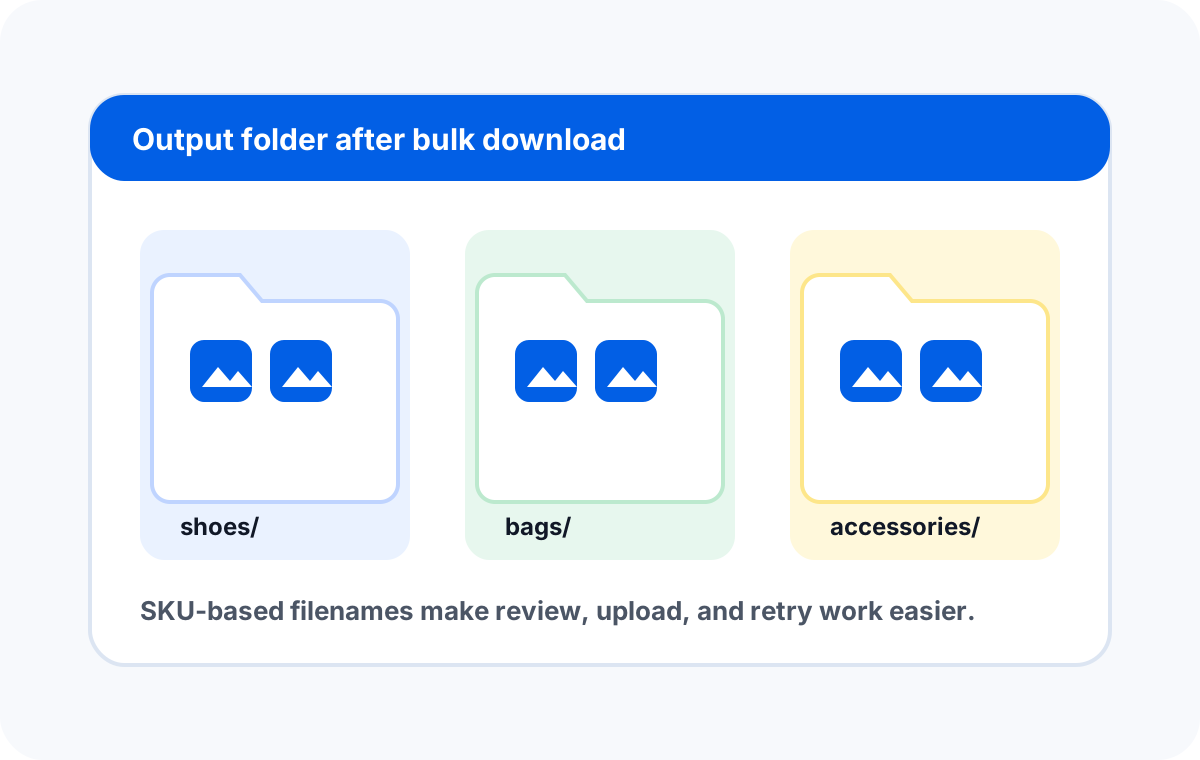
For large catalogs, add a subfolder column to your CSV to automatically route images into category folders:
| Column A — Folder | Column B — SKU | Column C — Image URL |
|---|---|---|
| Electronics | WM-2001-001 | https://i5.walmartimages.com/asr/... |
| Home & Garden | WM-3001-001 | https://i5.walmartimages.com/asr/... |
This gives you a clean folder structure like walmart-images/Electronics/WM-2001-001.jpg — ready to map directly into any marketplace import template.
Download from any marketplace CSV.
Sheet Image Downloader works with Walmart, eBay, Shopify, WooCommerce's docs, and any spreadsheet of image URLs.