
Spreadsheet-first batches
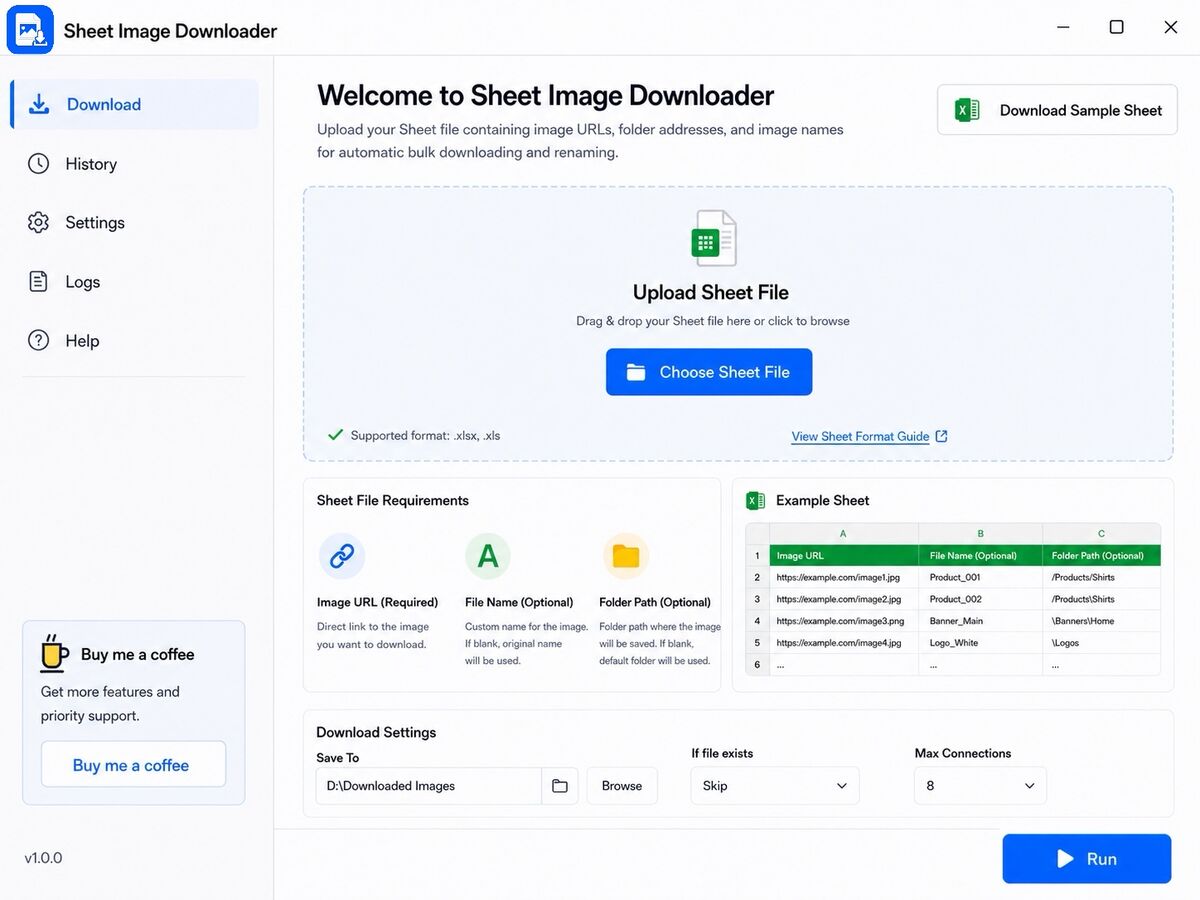
Start each job from Excel or CSV rows with image URLs, names, and destination folders already mapped.
Bulk download images from any spreadsheet URL list — Excel, Google Sheets exports, or CSV. Free for Windows and Mac, entirely local, no browser or cloud upload required.
Built for ecommerce teams, catalog operators, and suppliers who need repeatable local batch downloads without uploading sheets to the cloud.
Start each job from Excel or CSV rows with image URLs, names, and destination folders already mapped.
Download product, supplier, and catalog images straight into local folders instead of collecting files tab by tab.
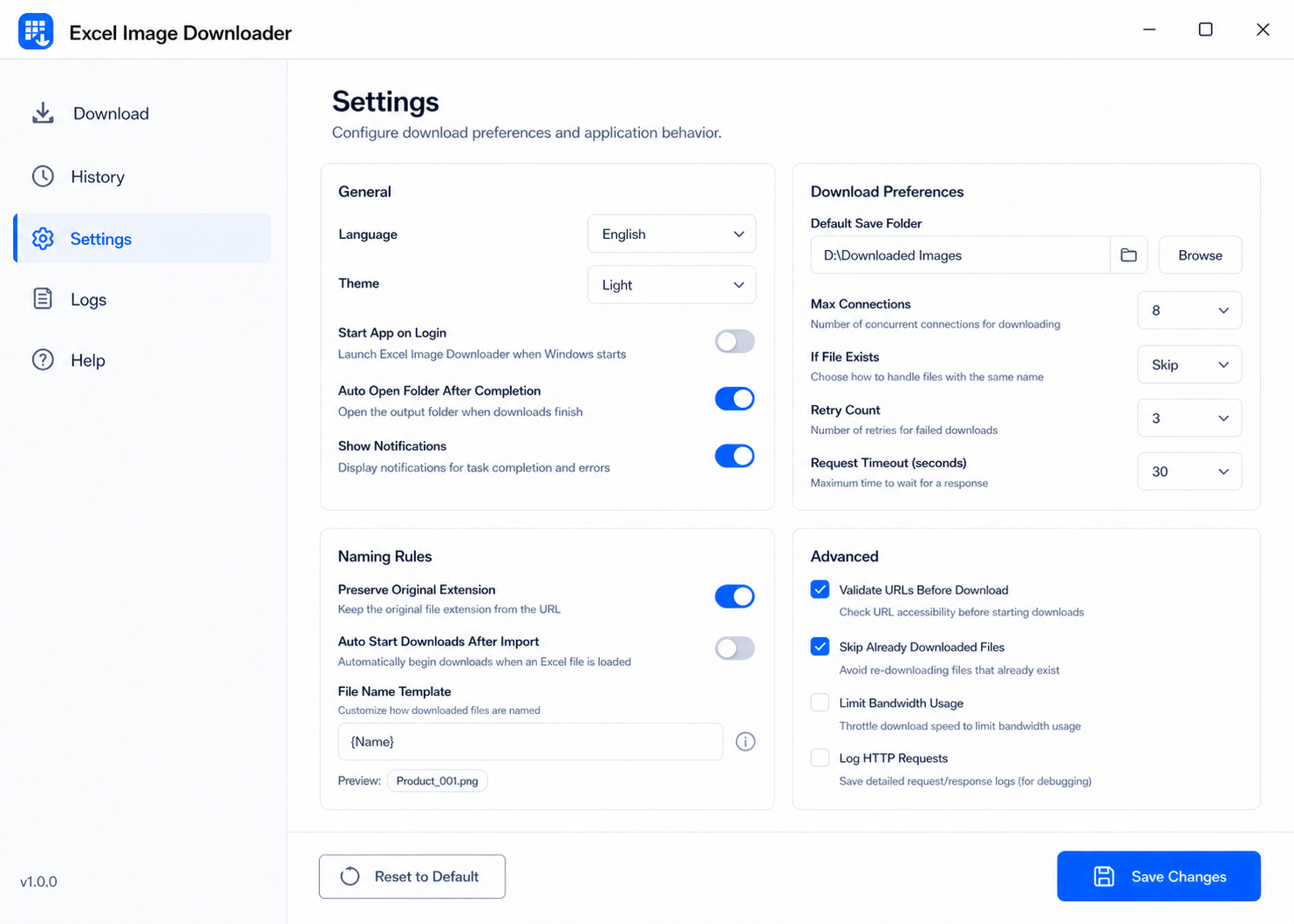
Name downloaded files from spreadsheet fields so SKUs, suppliers, and catalog folders stay consistent.
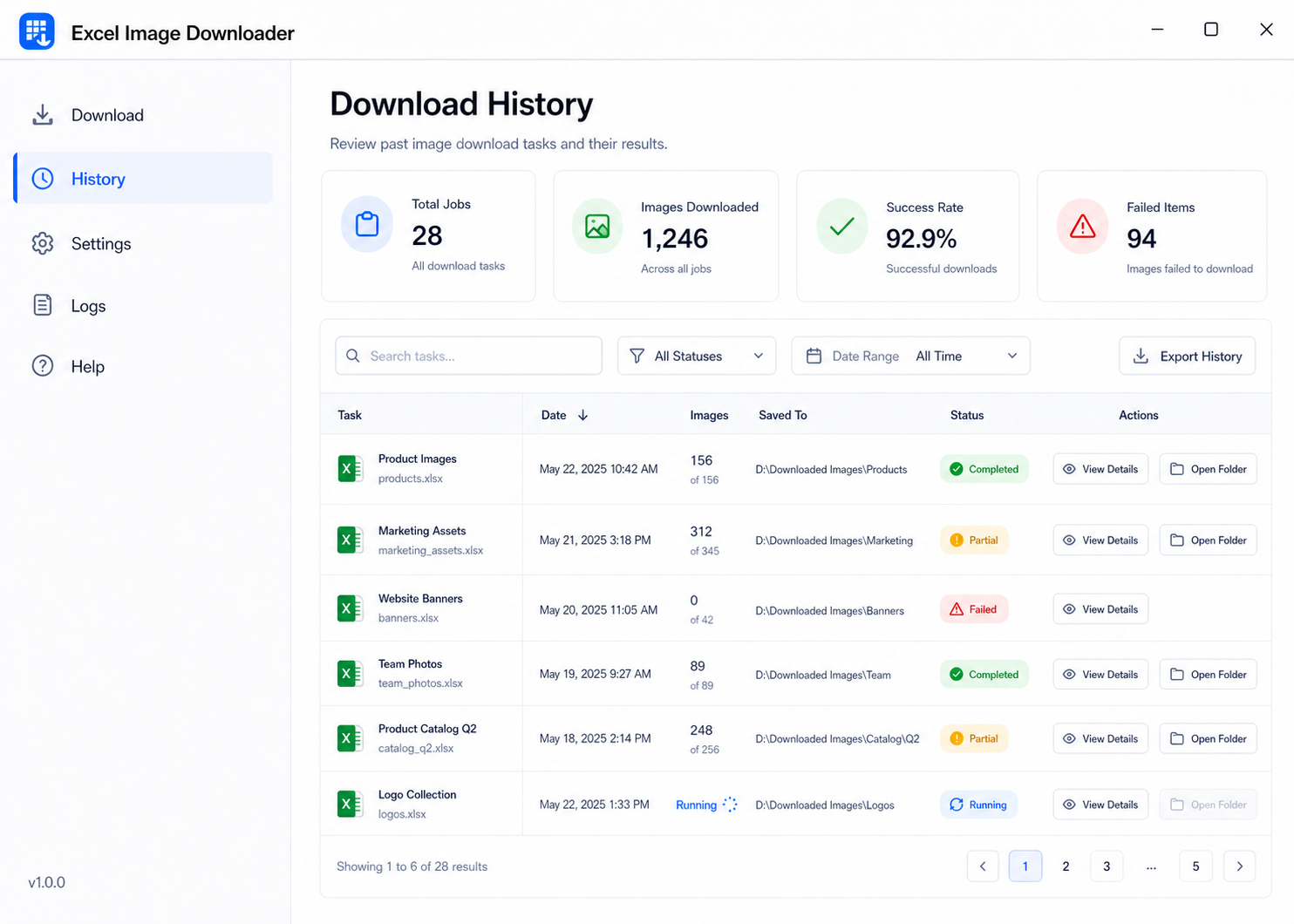
Review past runs, reuse settings, and keep recurring marketplace or supplier image tasks easier to repeat.
A focused desktop flow: load your sheet, start the batch, monitor progress, then reuse the same setup for recurring image jobs.
Import Excel or CSV rows with image URLs, file names, and folders.
Choose output rules once and run the whole spreadsheet locally.
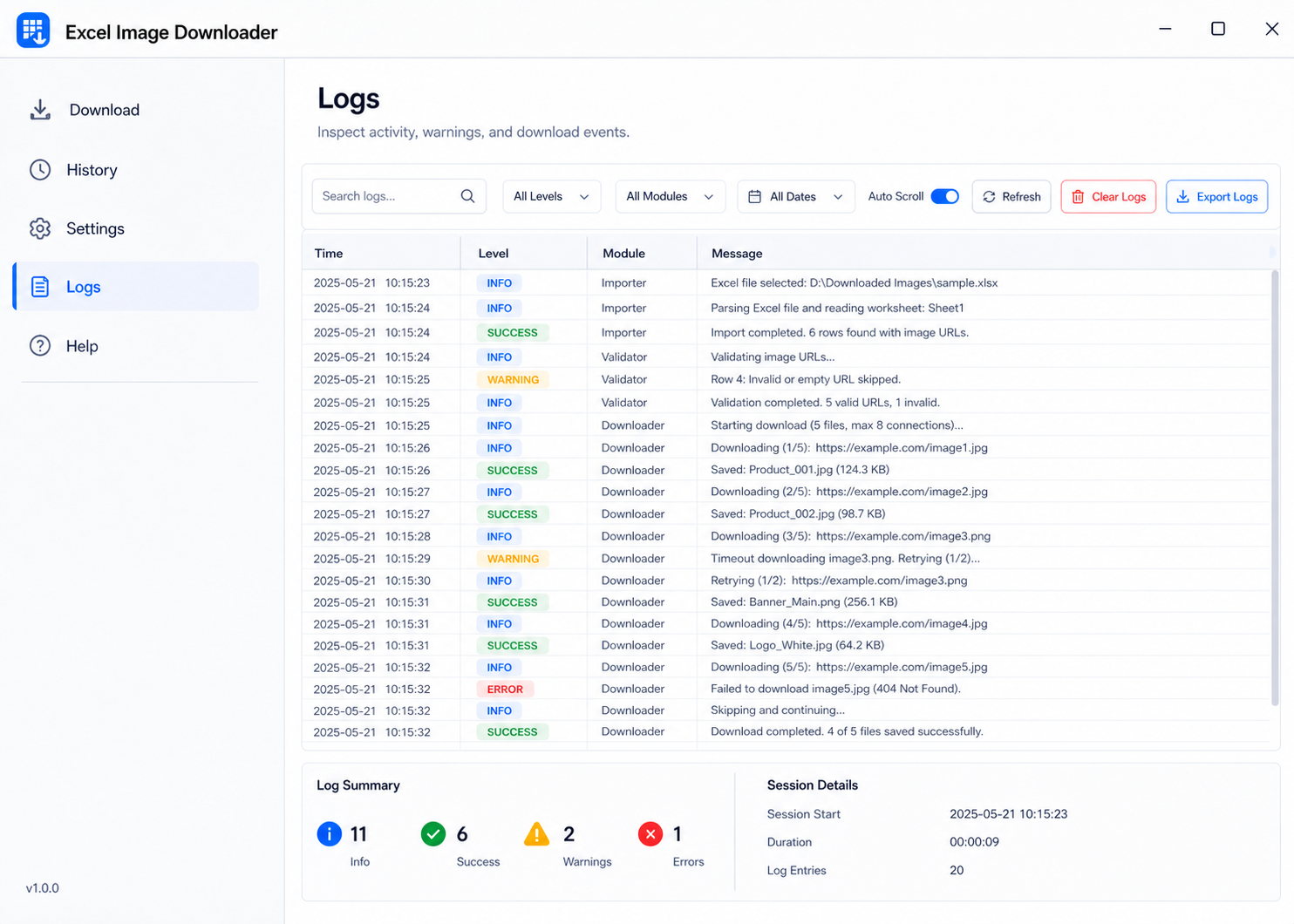
See status, logs, and failed items without switching browser tabs.
Retry failed URLs and reuse the same workflow for future jobs.
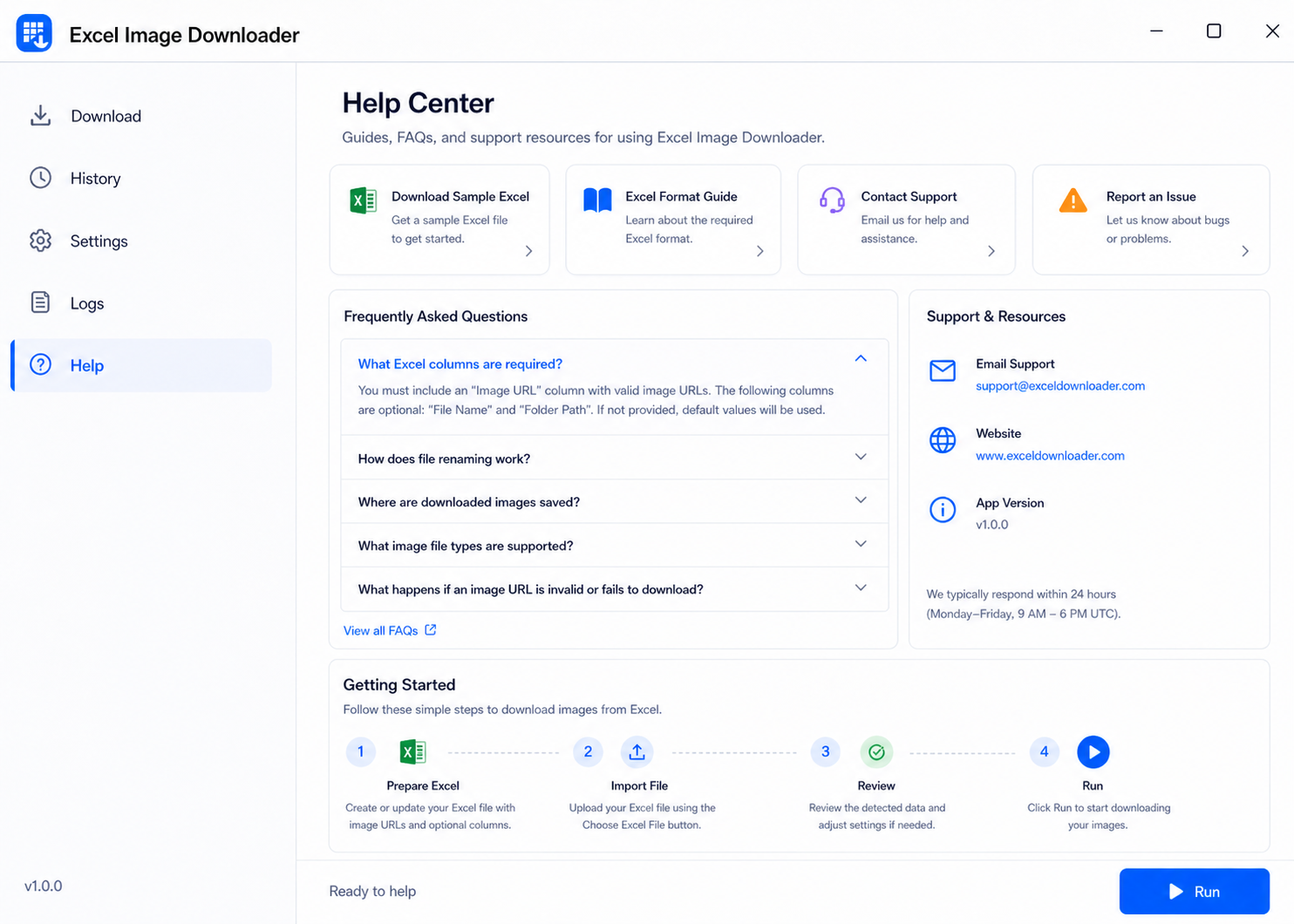
What does the Sheet file need?
The required column is Image URL. File Name and Folder Path are optional, but useful for cleaner output.
Can I retry failed downloads later?
Yes. The workflow is aimed at repeated jobs, so retries are part of the expected use case.
Does it run in the browser?
No. It is designed as a desktop app workflow for local file handling.
Who is it best for?
People handling recurring product-image, catalog, or supplier-media jobs from spreadsheets.
Version V1.0.0 is available for Windows and macOS. Pick the package that matches your desktop system, then run Sheet Image Downloader locally for spreadsheet-based image downloads.
For Windows users who need the Sheet Image Downloader package for local spreadsheet image download workflows.
For Mac users who want the universal DMG package. If macOS says the app is damaged or cannot be opened, read the macOS Gatekeeper fix before launching.
Download for Mac