
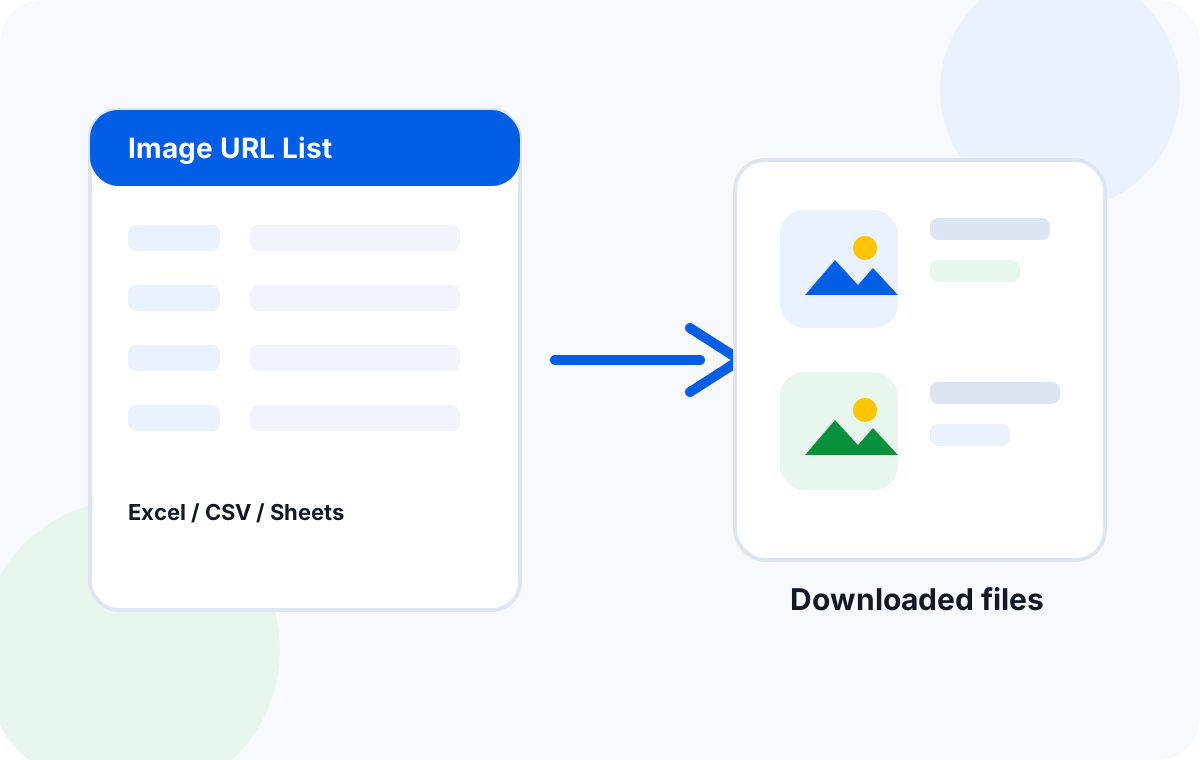
Why a URL List Is the Most Flexible Input
Spreadsheets are great when URLs come pre-aligned with SKUs and folders. Real workflows are messier. URLs arrive in scraped JSON, copied HTML, plain text dumps, supplier portal exports, AI-generated lists, and developer handoff notes. Forcing every input into a spreadsheet column is friction.
A URL list removes that friction. The list is the contract: one URL per line, or one URL per array entry, or one URL per HTML attribute. Everything else (filenames, folders, retry, dedup) is built on top.
URL List Formats That Work
The four formats below cover 95 percent of real-world URL lists. The best bulk downloaders auto-detect the format and skip empty or malformed lines.
| Format | What it looks like | When to use |
|---|---|---|
| Plain text | One URL per line, no header | Copy-paste from a chat, doc, or scraper |
| CSV | Column A = URL, optional SKU, folder | Supplier exports, marketplace files |
| JSON | Array of strings, or array of objects with url + meta | API responses, scraper output, dev handoffs |
| HTML | Extract src / href / data-src attributes | Pages or saved MHTML files with embedded images |
If you only remember one rule: one URL per line is always a safe fallback. Even if a tool only officially supports CSV, you can usually hand it a clean txt list by saving your file with a .csv extension.
Prepare a Clean URL List
Most bulk-download failures are not tool failures. They are dirty input. Five minutes of cleanup saves hours of retry review.
Strip blank lines
Empty lines are usually treated as malformed URLs. Either remove them or let the downloader skip them.
Normalize protocol
Pick http or https and stick to it. Mixed-protocol lists often break CDN signing.
Remove tracking parameters
utm_source, fbclid, gclid rarely change the image, but they can break CDN cache keys and trigger 403s.
Decode percent-encoding once
Double-encoded URLs (%2520) fail silently. Decode once before the downloader sees the list.
Sort by source domain
Group URLs by CDN or supplier domain. This makes rate limiting and retry easier to reason about.
Deduplicate and Validate URLs
Duplicates waste bandwidth and inflate the file count. Validate before the download starts, not after.
Hash-based dedup
Hash the URL string (lowercased, query string stripped) and keep only the first occurrence. Cheap, fast, covers 90 percent of duplicates.
HEAD check before GET
Send a HEAD request and confirm 200, image content type, and a non-zero Content-Length. Skip URLs that 404, 401, or 403 before queueing the full GET.
Filenames, Folders, and SKU Rules
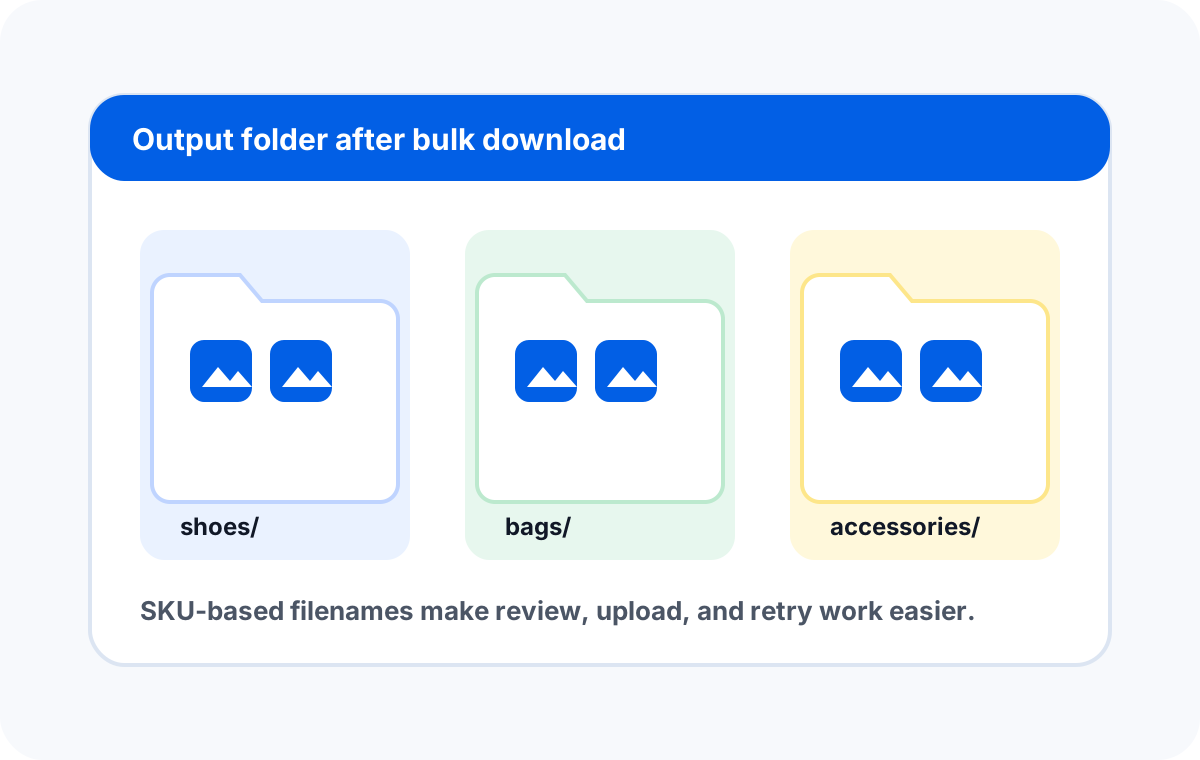
Filenames are the difference between a usable folder and a junk drawer. The 2026 best practice is to name files by SKU or product ID, with an optional position suffix for multi-image products.
| Pattern | Example | Best for |
|---|---|---|
| sku.jpg | SKU-12345.jpg | Single-image SKUs, simple catalogs |
| sku-1.jpg, sku-2.jpg | SKU-12345-1.jpg | Multi-image products, gallery imports |
| category/sku.jpg | shirts/SKU-12345.jpg | Folder-based review and migration |
| YYYY-MM-DD/source-sku.jpg | 2026-06-04/ali-SKU-12345.jpg | Suppliers that change URLs over time |
If the list is plain text with no SKU column, the downloader can fall back to the URL's basename or a hash-derived short ID. That works, but the names will not be human-readable. If you can add a SKU column without much pain, do it.
Run the Bulk Download
The download itself is the easy part once the list is clean. Three knobs matter: parallelism, retry policy, and output folder.
Parallelism
8 to 16 concurrent connections is the sweet spot for most CDNs. Higher parallelism triggers rate limits, lower parallelism wastes time. Aim for a 30 to 60 second total runtime for a 1,000-URL list.
Retry policy
Retry on 5xx, 429, and timeout. Skip on 4xx except 408 and 429. Cap retries at 3 with exponential backoff. A failed-rows report should be written for any URL that still fails after the final retry.
Output folder
Pre-create the folder structure before the run. If the list implies categories, mirror them as subfolders. Avoid spaces in folder names to keep cross-platform scripts simple.
Retry Only the Failed Rows
A good downloader writes a failed-rows report with the URL, status code, and error reason. Most failures fall into four buckets.
Expired signed URL
Re-export the list from the source, then rerun only the failed rows. Most tools accept a "retry only" mode.
Rate limit (429)
Reduce concurrency to 4 to 8, or split the list into smaller chunks and run them with a 60 second gap.
Wrong content type
The URL is not an image. Replace it with the real image URL, or remove it from the list.
Network timeout
Re-run the failed rows. Most CDNs recover within a few minutes.
After a successful retry pass, re-run dedup on the combined output to catch any duplicates that appeared in the first pass.
QA Pass Before Upload
The last 5 minutes of the workflow save more time than the first 30. Before treating the folder as done:
- Open 5 to 10 random files and confirm they are real images at the expected resolution.
- Check the failed-rows report is empty (or that every failure is a known acceptable skip).
- Verify the folder structure matches the import template (Shopify CSV, marketplace feed, etc.).
- Confirm no zero-byte files. Zero-byte files usually mean a silent 200 with empty body.
- Confirm the total file count matches the input row count minus skips and known failures.
Once the QA passes, the folder is ready for upload, migration, or backup. A clean URL list workflow turns what used to be a half-day manual job into a 10-minute setup and a 30-minute run.
Frequently Asked Questions
Download from a URL list, locally.
Sheet Image Downloader reads any URL list, dedups, retries, and saves organized images to a local folder. No cloud upload, no tracking.