Top Free Stock Photo Sites for Commercial Use
Unsplash, Pexels, Pixabay, Burst by Shopify, StockSnap, and Gratisography are useful free stock photo sites for commercial use. Their licenses allow many business uses without a photo fee, but they are not interchangeable. Before putting an image in an ad, store, or client project, check its license, the people and brands shown, and any restrictions on redistribution or resale.
Free Stock Photo Sites: Quick Comparison
The table below describes the free collection on each site, not every sponsored result, paid subscription, or external link you may encounter. “No attribution required” refers to the stated photo license; it does not remove obligations associated with a separate permission agreement or the way you use an image.
| Site | Suggested starting use | Free commercial use? | Attribution | Important limit |
|---|---|---|---|---|
| Unsplash | Website headers and supporting editorial imagery | Yes, under the free Unsplash License | Not required | No image sales without significant modification; no competing image service |
| Pexels | Blogs, social content, and marketing layouts | Yes, subject to the Pexels License | Not required | No unaltered resale or implied endorsement |
| Pixabay | Projects combining photos and other media | Yes, subject to the Content License | Not required | No standalone distribution or sales; special restrictions for recognizable brands |
| Burst by Shopify | Store banners and business-themed content | Yes, subject to the applicable license and terms | Not required | Check whether the photo is CC0 or a Licensed Photo |
| StockSnap | Projects seeking a CC0 photo collection | Yes, under CC0 | Not required under CC0 | Third-party rights remain; do not imply endorsement |
| Gratisography | Playful concepts and unusual campaign visuals | Yes, subject to its own license | No credit requirement stated in the linked license | No stock redistribution; the picture itself cannot be the merchandise |
Use these summaries to shortlist sources, then read the linked official terms for the actual asset and intended use. A free license is not a guarantee that every uploaded photograph has all necessary third-party permissions.
6 Top Free Stock Photo Sites for Commercial Use
1. Unsplash
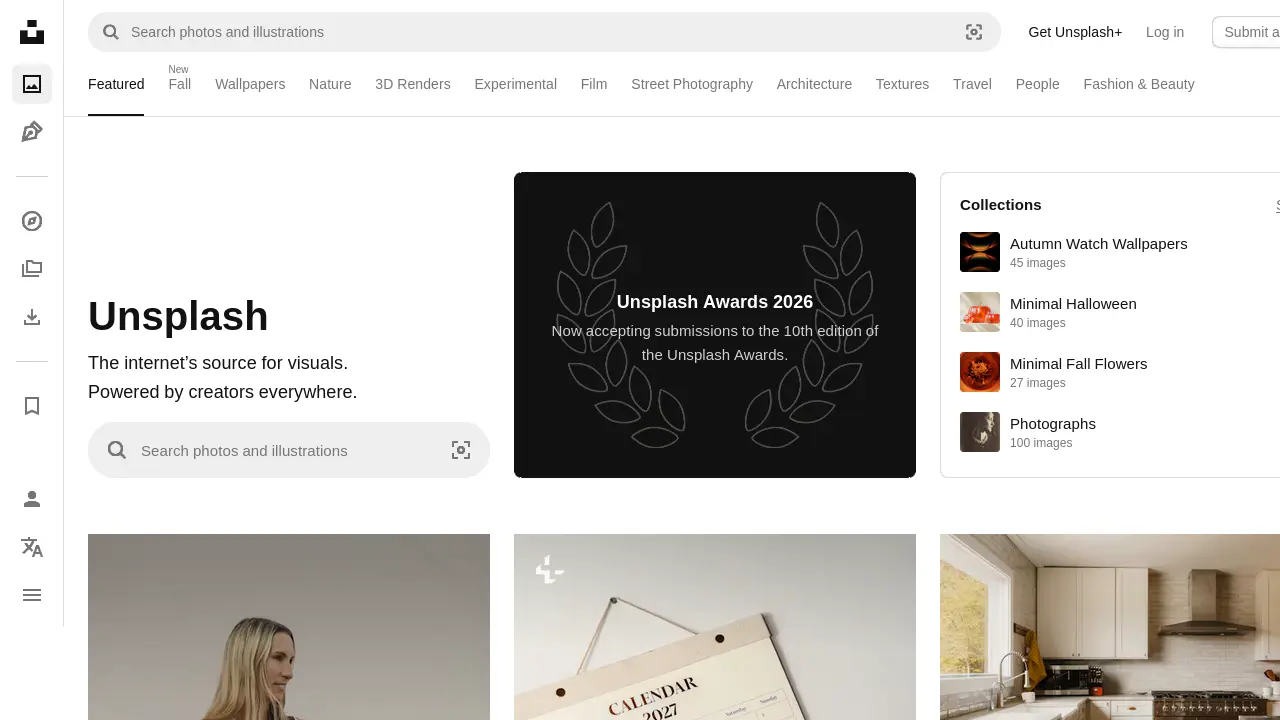
A starting point for: atmospheric headers, travel-related layouts, and supporting imagery for business articles. Choose a photo because it supports the message and leaves room for your layout, not simply because it looks impressive at full size.
The Unsplash License grants a free copyright license for commercial and noncommercial uses without mandatory attribution. It allows downloading, copying, modifying, distributing, and using covered images. However, images cannot be sold without significant modification, and you cannot compile them to replicate a similar or competing service.
Keep the free library separate from Unsplash+, which has its own license. A page appearing on the same platform does not mean it carries the same terms. Check the download you actually select rather than relying on a general description of the brand.
Before using it: inspect recognizable faces, artwork, logos, and private locations. Unsplash’s releases and trademarks guidance explicitly explains that a copyright license does not clear every use. For an advertisement featuring a recognizable person, clarify release availability rather than assuming the download button supplies consent.
2. Pexels
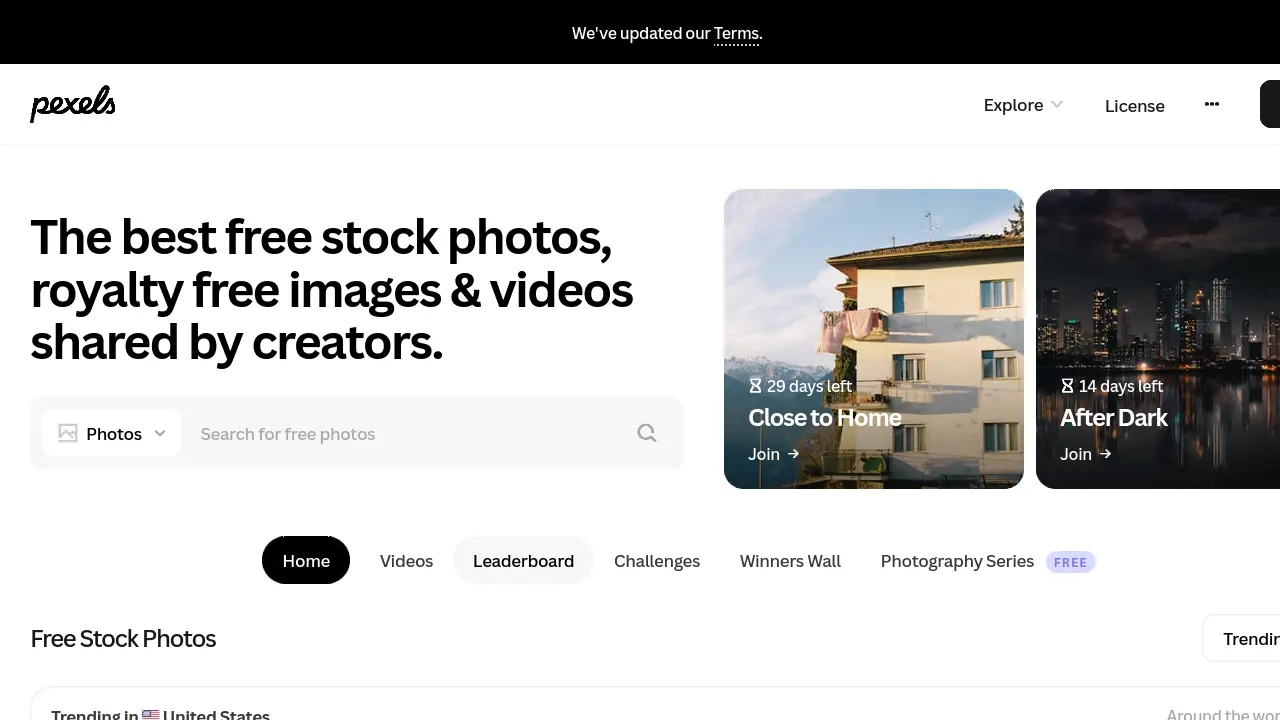
A starting point for: blog illustrations, social posts, presentations, and marketing designs. Its official license page gives examples including websites, ecommerce shops, newsletters, campaigns, and printed marketing materials, making it useful when you need to match a photo to a specific business application.
Under the Pexels License, photos and videos are free to use, attribution is not required, and editing is allowed. Credit is still a considerate way to acknowledge the photographer when the design has room for it.
The restrictions matter as much as the permissions. Do not sell unaltered copies, redistribute the files through another stock or wallpaper platform, or imply that depicted people or brands endorse your product. Identifiable people must not be shown in an offensive or bad-light context. The imagery also cannot become part of your trademark, business name, or service mark.
Before using it: read your proposed headline beside the photograph. An innocent portrait can become misleading when paired with a testimonial, a sensitive condition, or a claim about the subject’s behavior. Changing the caption can change the risk even when the image itself stays identical.
3. Pixabay
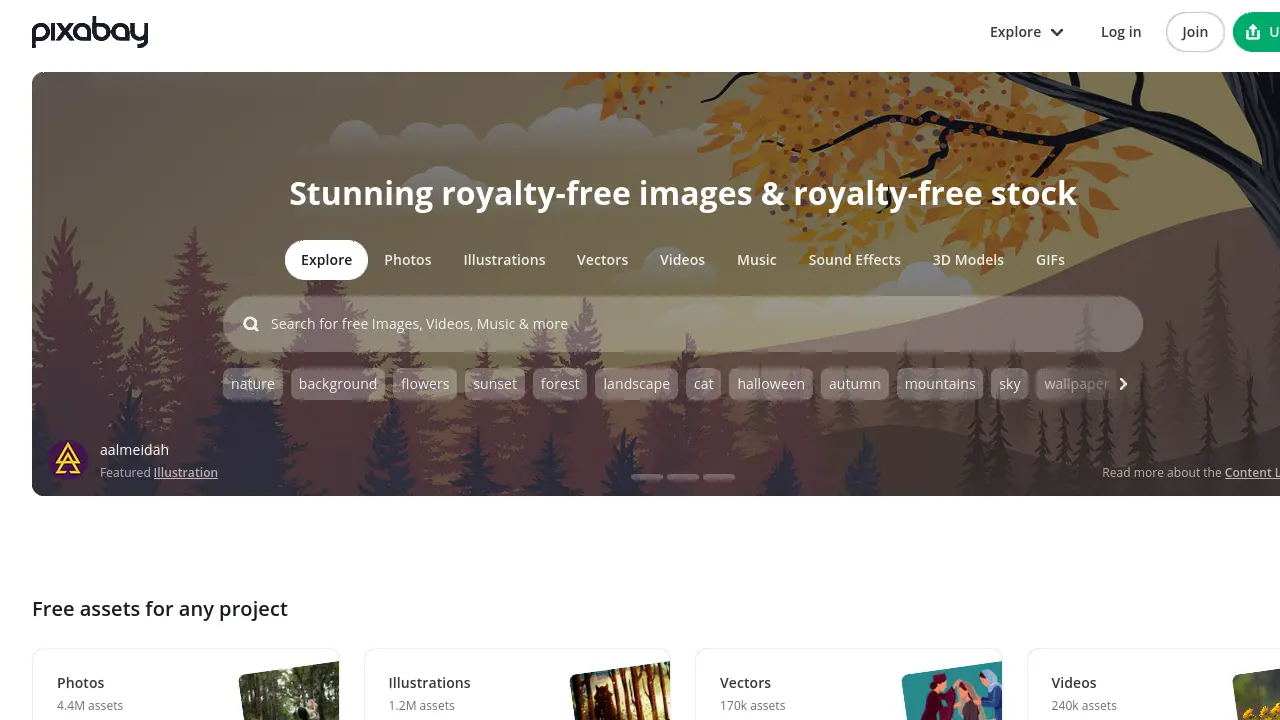
A starting point for: projects that need photography alongside illustrations, vectors, or other media. Keep the brief specific: a photograph, an illustration, and a generated visual may serve very different purposes even when they appear in related searches.
The Pixabay Content License Summary permits free use, adaptation, and use without author attribution, subject to prohibited uses. The summary also points to the full terms, which are the legally binding version.
You cannot sell or distribute content on a standalone basis. Pixabay describes that as content remaining substantially in its original form without creative effort. It also prohibits commercial use in relation to goods and services when the content contains recognizable trademarks, logos, or brands, including printing that content on merchandise for sale. Misleading use and use as a trademark or business identifier are also restricted.
Before using it: examine the image at full resolution for brand details rather than relying on its thumbnail. Do not assume that cropping out one visible logo resolves every rights issue, or that adding a small caption automatically makes a prohibited standalone sale acceptable.
4. Burst by Shopify
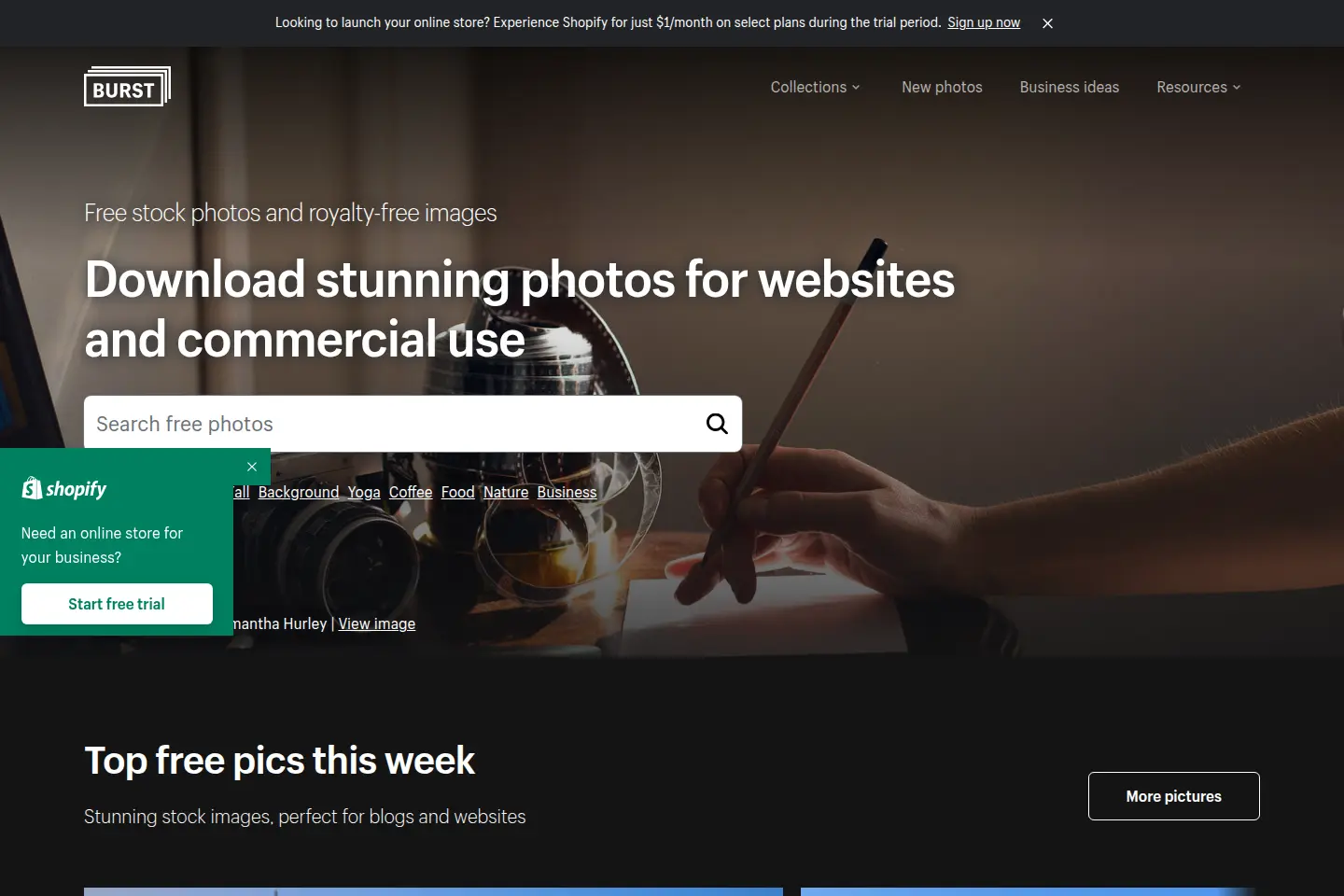
A starting point for: ecommerce banners, business articles, and store-supporting lifestyle content. Burst is Shopify’s stock-photo platform, but its official site says the photos can be used on other online-store platforms and marketplaces too. You do not need to frame this as a Shopify-only resource.
The Burst Terms of Service distinguish Creative Commons Photos under CC0 from Licensed Photos under a separate license. Both routes permit commercial use without mandatory attribution, subject to the applicable terms.
For Licensed Photos, the terms prohibit selling unaltered photo files, recreating a competing service, and falsely claiming authorship or ownership. They also contain broader language restricting offering Licensed Content for sale. Because merchandise and resale are not the same as using a photo in a store banner, do not turn a general commercial-use statement into blanket print-on-demand permission.
Before using it: record the specific photo’s license category. Use lifestyle images to establish context, but do not pass off an unrelated stock item as the exact product customers will receive. For product listings, photograph your actual goods or use separately authorized supplier assets that accurately represent them.
5. StockSnap
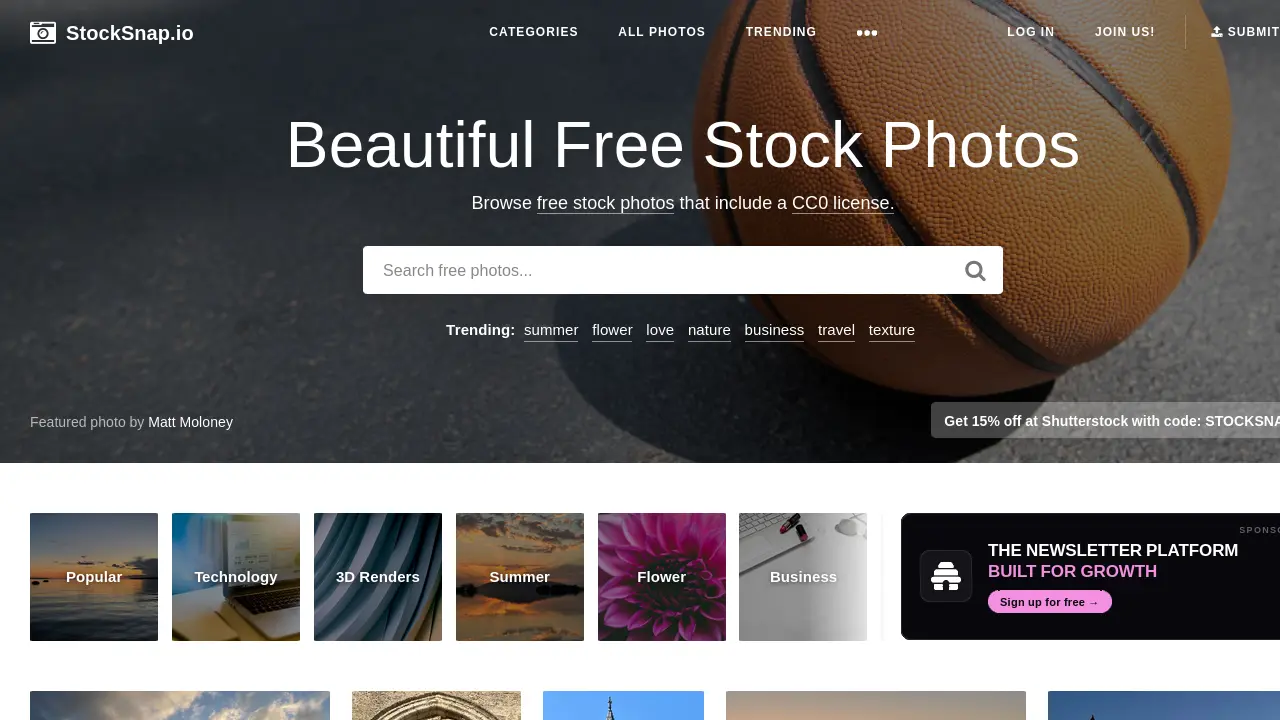
A starting point for: teams that prefer a photo library organized around CC0 rather than another custom stock-photo license. This can simplify the copyright discussion, although it does not eliminate the need to review the subject matter.
According to the StockSnap license page, its stock photos are released under Creative Commons CC0. You may download, edit, publish, and use those photos for personal or commercial projects without payment or attribution.
The important distinction is that CC0 is a public-domain dedication to the extent legally possible, not an all-purpose clearance certificate. The Creative Commons CC0 deed says trademark rights and other people’s publicity or privacy rights are unaffected. It also disclaims warranties and warns against implying endorsement.
Before using it: confirm that you are downloading an actual StockSnap free asset rather than following an external sponsored offer. Keep its source page even though credit is optional. That record helps a colleague understand where the file came from and what copyright basis you relied on.
6. Gratisography
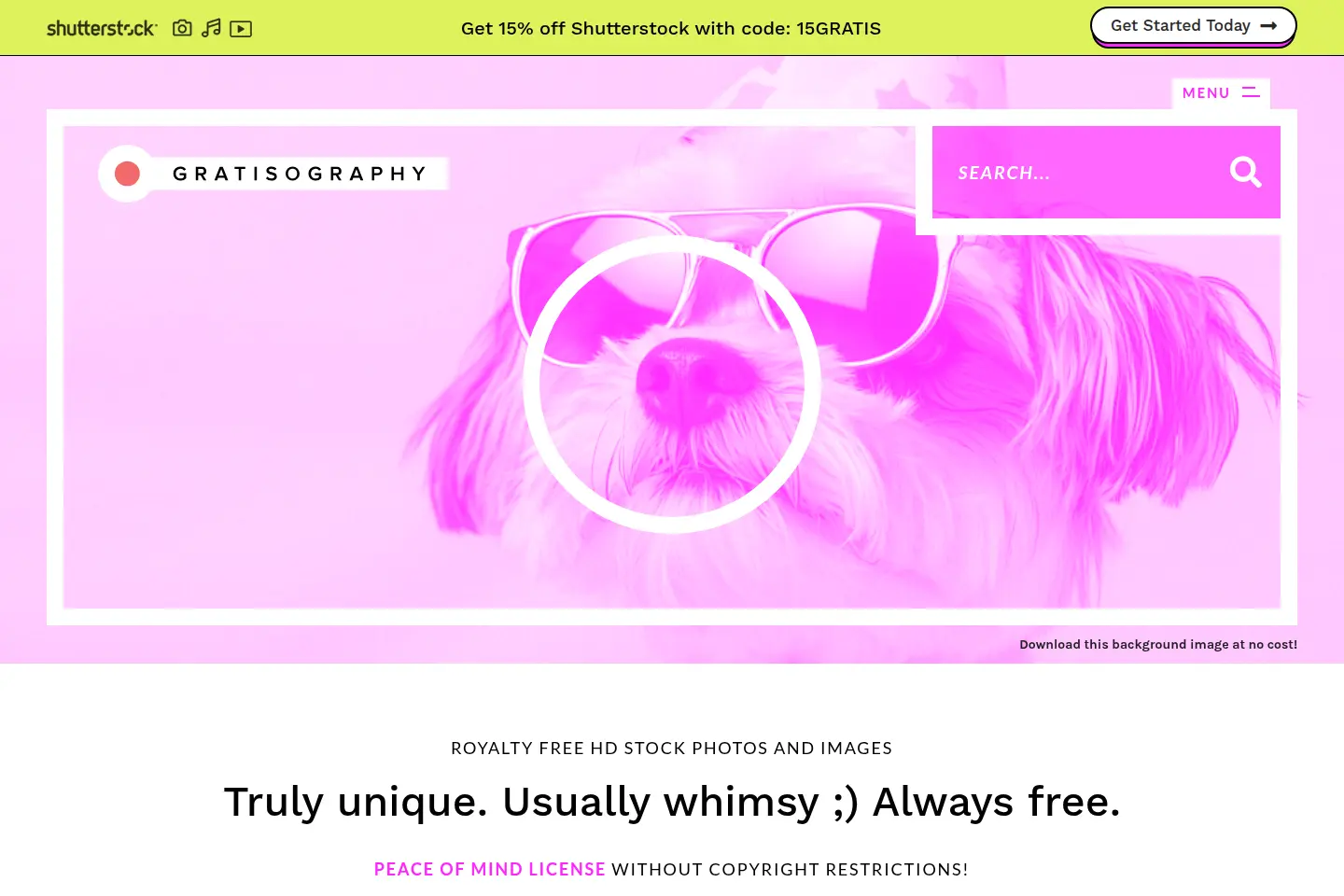
A starting point for: playful articles, conceptual campaign designs, and visuals that benefit from an unexpected subject. Treat this as a creative direction to explore, not a promise that an unusual photograph will improve clicks or conversions.
The Gratisography license permits personal and commercial projects, modifications, advertising, websites, and paid work incorporating the pictures. It also mentions merchandise, but only when the picture itself is not the merchandise.
You cannot redistribute its pictures through other stock sites or apps, give them to other people to use, claim them as your own, or imply endorsement. Its prohibited uses also include defamatory, hateful, and other specified harmful contexts. The platform warns that additional intellectual-property, privacy, or publicity rights may apply.
Before using it: distinguish delivering a finished design from handing over a reusable stock-image collection. For client work that requires the original file, check the terms and ask the client to obtain their own authorized copy where appropriate. Do not bundle downloaded originals into a public resource pack.
What Does “Free for Commercial Use” Actually Mean?
Commercial use generally includes activity connected to a business, such as a sales page, promotional email, paid advertisement, or client project. A license allowing those uses gives you certain permissions in the photograph. It does not necessarily give you rights to every face, artwork, brand, or property pictured inside it.
No photo-license fee for the covered use. Other restrictions can still apply.
A licensing model, not a promise of zero cost or unlimited permission.
A copyright dedication to the extent legally possible, not a waiver of everyone else’s rights.
Royalty-free does not mean copyright-free. A paid stock image can be royalty-free, and a free image can remain protected by copyright under a permissive custom license. Likewise, “no attribution required” only answers whether credit is mandatory under that license. It does not authorize misleading endorsements, prohibited resale, or an otherwise restricted use.
Editorial-only images are another category. If a file is restricted to editorial use, do not treat it as approved for an advertisement merely because downloading it costs nothing. Check the specific asset terms and keep a different approved image available if the intended campaign is not covered.
For high-exposure campaigns, recognizable people, sensitive subjects, or merchandise, obtain appropriate legal advice or a source with documented permissions suited to the project. This article is a practical research guide, not legal advice or a clearance opinion for an individual image.
A Commercial-Use Checklist Before You Publish
- Open the original photo page. Do not rely on a search thumbnail, repost, or an unattributed file sent in a chat. Confirm which platform and contributor supplied it.
- Identify the actual license. Distinguish the free collection from paid assets, sponsored links, and editorial-only material. Save the applicable license URL and the date you reviewed it.
- Write down the intended placement. A blog illustration, paid ad, product package, downloadable template, and T-shirt are different use cases. Check the relevant restrictions rather than writing only “commercial.”
- Inspect people, brands, artwork, and locations. Establish whether additional permissions are needed. A model release and a photo copyright license address different questions.
- Review the surrounding message. Avoid suggesting that a stock-photo subject is your customer, employee, patient, or endorser when that is not true.
- Check resale and redistribution rules. Adding a border, filter, or logo is not a universal workaround. Do not sell or share an image pack just because the files were free.
- Keep evidence with the asset. Retain the source URL, contributor, license record, and any separate permission. Preserve an original and a clearly named edited version.
These steps also improve editorial quality. Before approving a picture, test the crop on a narrow screen, check that any overlaid text remains readable, and decide whether the image conveys real information. If it is only decorative, avoid keyword-stuffed alternative text; if it conveys meaning, describe that meaning accurately.
How to Organize Approved Stock Photos with a Spreadsheet
The hardest part of a growing asset library is often not finding a photograph. It is remembering why a file was approved, which version was used, and whether the next project has the same permissions. A simple asset register can help without pretending to replace legal review.
| Field | What to record |
|---|---|
| Asset ID and filename | A stable internal reference and the saved file’s name |
| Source page and creator | The original photo page, platform, and named contributor |
| License URL and review date | The terms reviewed and a retained copy or record where appropriate |
| Approved use | The specific page, campaign, or client deliverable |
| Rights notes | Release evidence, restrictions, or unresolved questions |
| Local file and edited version | Where the original and production-ready export are stored |
This is a rights-tracking worksheet, not a ready-made import specification for any downloader. Keep the source-page address even if you also have an authorized direct image URL: a webpage tells you provenance, while a direct URL points to file bytes. The two are not interchangeable.
Download through the stock site’s own permitted workflow first. A photo license does not automatically grant permission to scrape the entire platform, bypass download controls, or ignore API rules. If your workflow legitimately supplies direct image URLs and permits batch retrieval, a separate spreadsheet-based download step may be appropriate.

For that situation, see our guide to downloading images from a URL list in bulk. Sheet Image Downloader is relevant to the file-retrieval stage; it is not a stock-photo search engine, a license checker, or evidence that a person has signed a release. Verify the supported input format and test a small authorized batch before expanding the job.

After downloading, compare the saved files with your approved list, record missing items, and keep rights notes outside filenames. Optimize a separate copy for the website rather than overwriting the original. For URL-based spreadsheet preparation, our Excel image URL download guide provides related workflow context.
Which Free Stock Photo Site Should You Choose?
Start with the intended use, not the length of the library’s marketing claims. Pexels and Unsplash are practical first stops for general website imagery; Burst gives you an ecommerce-oriented starting point; StockSnap offers a CC0-based collection; Pixabay adds other media categories; and Gratisography is worth exploring for a more playful concept.
The better choice is the photo that fits your message and has terms appropriate to its actual placement. Keep a source record, check third-party rights, and avoid using stock imagery as proof of a real product, customer result, or endorsement. A smaller approved collection is more useful than a large folder whose permissions nobody can explain.
FAQ
Can I use free stock photos on a business website?
Yes, when the specific license allows your intended commercial use and you satisfy its restrictions. Check recognizable people, trademarks, artwork, and other third-party rights separately. A free download alone is not evidence of clearance.
Which free stock photo sites do not require attribution?
Covered free photos from Unsplash, Pexels, Pixabay, and Burst do not require attribution under their stated licenses. StockSnap uses CC0, which also does not require attribution. Gratisography’s linked license does not state a credit requirement. Check the actual asset and any separate agreement; voluntary credit is still considerate.
Can I sell products printed with free stock photos?
Not automatically. Merchandise, standalone resale, and redistribution rules differ. Several sites restrict unaltered resale or using the image itself as the product. Review the asset’s terms and any third-party permissions before offering a printed product for sale.
Are pictures in Google Images free for commercial use?
No. Google Images is a discovery tool, not a blanket license. Visit the original source, verify the specific license and intended use, and retain evidence. Search filters do not replace that review.
Can Sheet Image Downloader check licenses or scrape stock photo websites?
Do not use it as a rights-verification tool or assume it can crawl a stock website. Its relevant role here is retrieving images from an authorized direct-URL spreadsheet workflow. Use the source platform’s permitted download method and keep licensing records separately.
Already Have an Approved Image URL List?
Keep licensing decisions separate from file downloads. For a permitted spreadsheet-based workflow, explore Sheet Image Downloader and test your input with a small batch.
Download Sheet Image DownloaderOfficial License Sources
Reviewed October 24, 2026. Terms and asset availability can change; check the original source before reuse.